Cache clear fixes reported for GTA 6 weather bug on PS5 and Xbox Series X/S

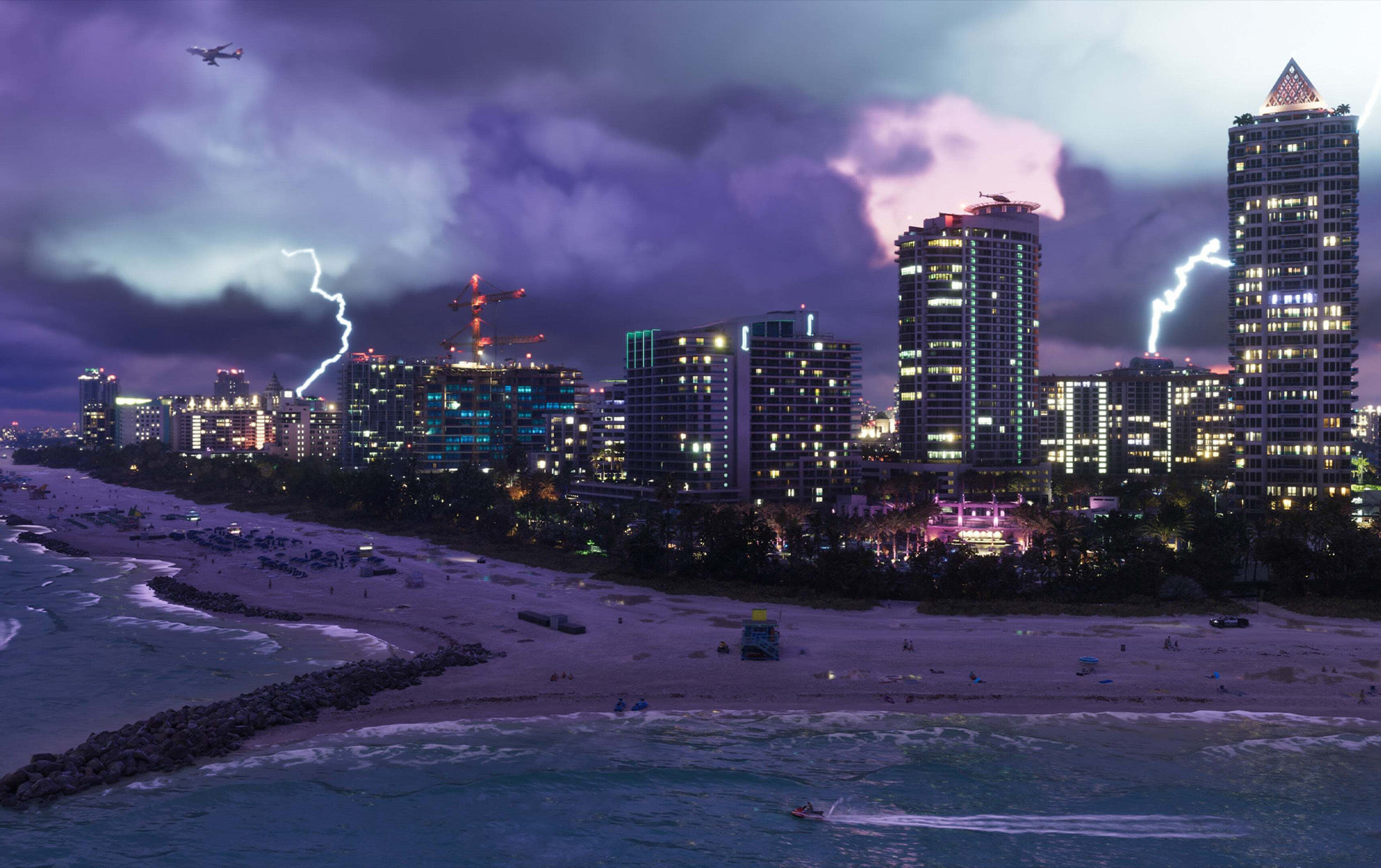
Players on PlayStation 5 and Xbox Series X/S have reported a persistent GTA 6 weather bug since the game's launch, and community-shared methods to clear console caches have restored dynamic weather for many users.
Rockstar Games built an advanced dynamic weather system into GTA 6, but that system has not been functioning fully for some players; instead of heavy rain, storms and other changes, Leonida skies are staying pretty clear and sunny. PlayStation users have been advised that clearing the system cache is currently the most effective workaround, and several players have posted on forums and social media that their weather systems began working properly after performing the procedure.
On PS5 the commonly shared fix involves clearing the system cache without losing save files or progress. One user posted: "I found a working fix for the weather bug in GTA 6. LETS GOOOO.You just have to clear your PS5’s cache. It’s super easy and takes like two minutes. > Turn off your PS5 completely.> Press and hold the power button until it beeps to enter safe mode.> Go to option 6 and… pic.twitter.com/YfQtoZXQPS". The article also notes that players can enter Safe Mode and select Clear System Software Cache under the Cache and database options to clear the PS5 cache.
Xbox players have been advised to clear the console cache by turning the console off, unplugging the power cable for around two minutes, reconnecting it, and restarting the console to clear the cache. The source says this method has worked for many players, so users experiencing the issue can try the same cache-reset procedure on Xbox hardware.
The report states that some players are experiencing a possible weather bug that prevents rain, storms, and other weather conditions from appearing normally. If clearing console caches does not resolve the issue, the article recommends waiting for an official update from Rockstar Games to address the fault.
For users seeking continued coverage and updates, the piece directs readers to follow Khel Now Gaming on Facebook, Twitter and Instagram, download the Khel Now Android App or IOS App, and join its communities on Telegram & Whatsapp; if the cache procedures fail, the confirmed next step is to await a Rockstar Games official update.
