PC players report frame‑pacing stutter in Marvel Tokon; community suggests RTSS workaround

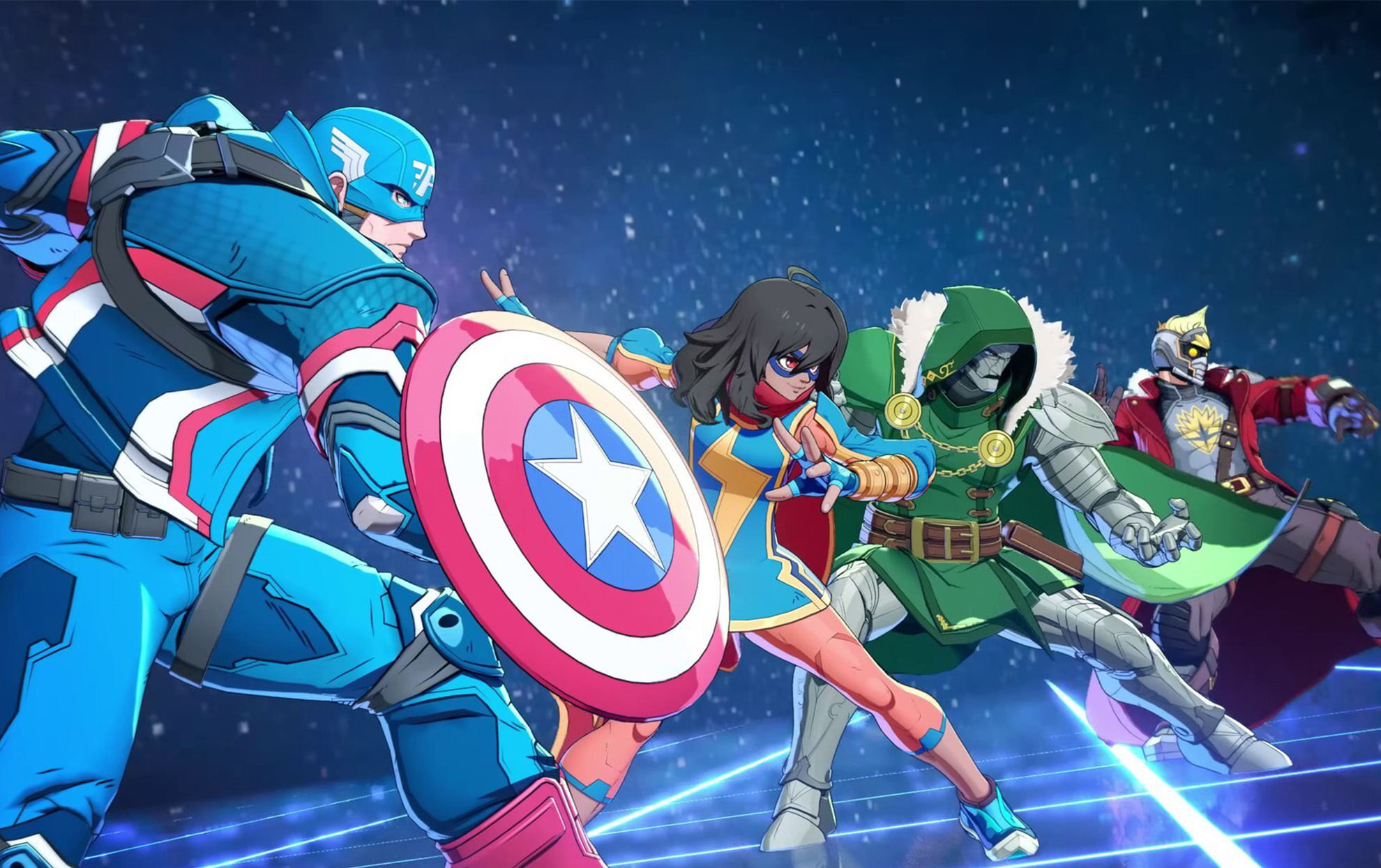
PC players have reported persistent frame‑pacing issues and stuttering in Marvel Tokon: Fighting Souls on PC after the game's release on PlayStation 5 and PC, according to a Khel Now India article published on 2026-08-09. The community has identified the game's built‑in FPS limiter as a likely cause and proposed using an external limiter to stabilise frame timing.
Community testers analysing performance with RivaTuner Statistics Server (RTSS) say the native frame rate limiter produces recurring frame timing spikes roughly every 30 frames, visible on the RTSS frame time graph and resulting in inconsistent gameplay. That analysis was shared on the game's official Subreddit group and has driven player recommendations to change how the frame cap is applied. The suggested approach is to disable the in‑game FPS cap and employ an external limiter set to 60 fps. Those proposing the workaround stress it is community‑discovered rather than an official fix from the developers and that results may vary by hardware, graphics drivers and system configuration.
Players advise using an external 60 FPS frame limiter implemented through tools such as RivaTuner Statistics Server (RTSS) or vendor software instead of the game's internal cap. The options cited by the community include RTSS, the Nvidia App, the Nvidia Control Panel and AMD Radeon Software as places to enforce a manual 60 fps limit.
For Nvidia users specifically, the recommended configuration is to enable V‑Sync in the Nvidia Control Panel or Nvidia App while leaving V‑Sync disabled in the game's graphics settings. That setup is presented by community members as a way to keep the game capped at 60 fps without relying on the in‑game limiter that is producing timing spikes.
Community testing and shared RTSS graphs are the primary evidence for the workaround; the Khel Now report emphasises that the method is not endorsed by the game's developers and that players should ensure they are running the latest GPU drivers and any game updates. The article notes those maintenance steps as complementary measures that may affect outcomes when applying the external limiter.
The Khel Now article carrying this report was written by Mahaksh Chauhan. The piece also offers channels for ongoing updates and community discussion.
For ongoing coverage and further updates, Khel Now advises following Khel Now Gaming on Facebook, Twitter and Instagram, downloading the Khel Now Android or iOS app, or joining their community on Telegram and Whatsapp.